
Signing in to Twin
This article covers how to sign in to Twin, how to get back in when you have forgotten your password, and how to sign out.
Sign in
Twin authenticates through a dedicated identity provider. The sign-in page is therefore not a page inside the app: it has its own web address and it asks for your email address and your password on two separate screens. Opening Twin while you are signed out takes you there automatically.
- Under Sign in to Twin, type your work email address and click Continue.
- Under Enter your password, type your password and click Continue. You land on Home.
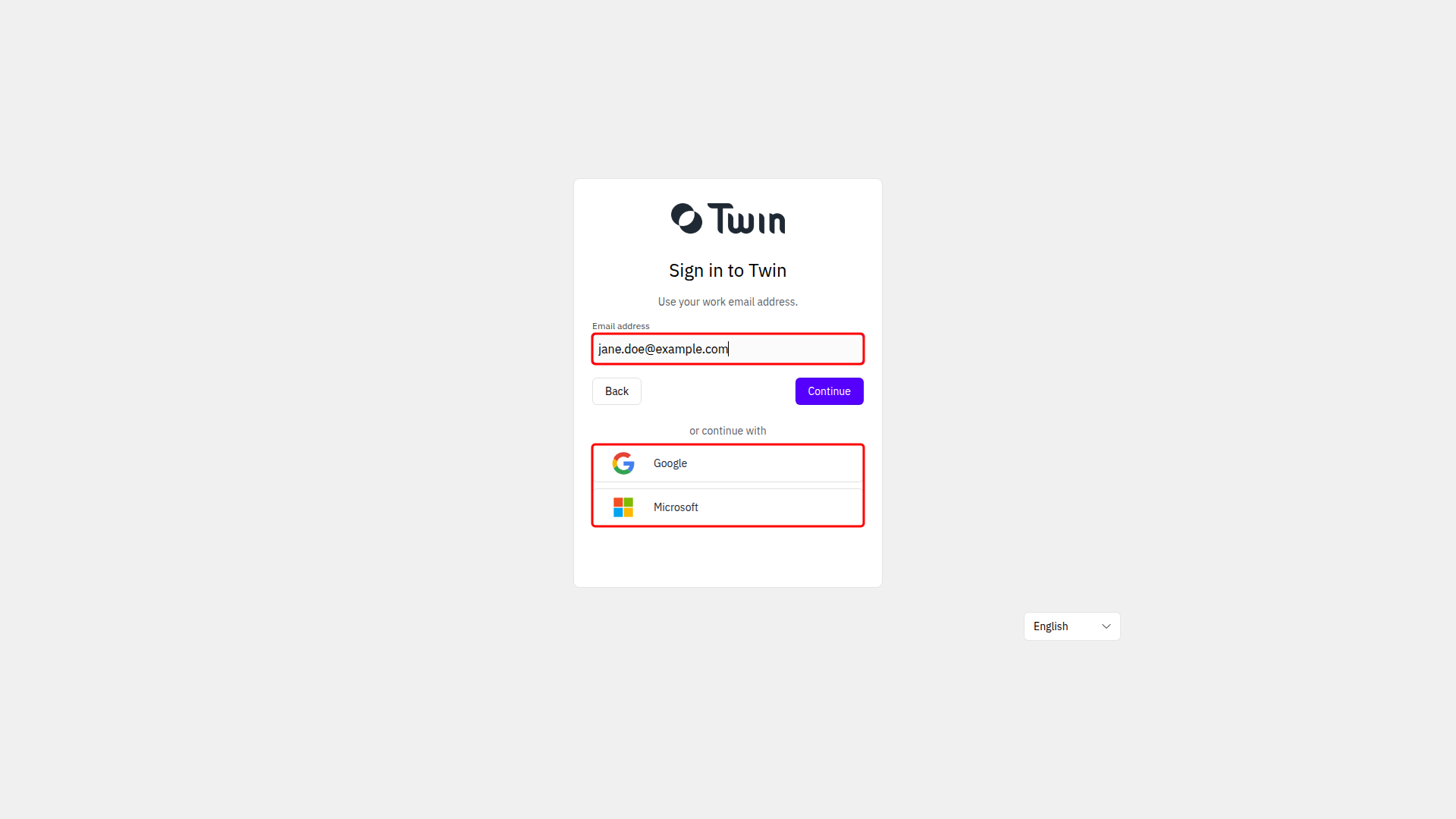
If the sign-in page still recognises you from an earlier session, it shows Choose an account before asking for a password. Pick your account there, or click Use another account to sign in with a different address.
Sign in with Google or Microsoft
Under or continue with on the first screen you can use Google or Microsoft instead of a password. Pick the Google or Microsoft account that carries the same email address as your Twin account.
Reset a forgotten password
Forgot your password? sits on the second screen, so type your email address and click Continue first.
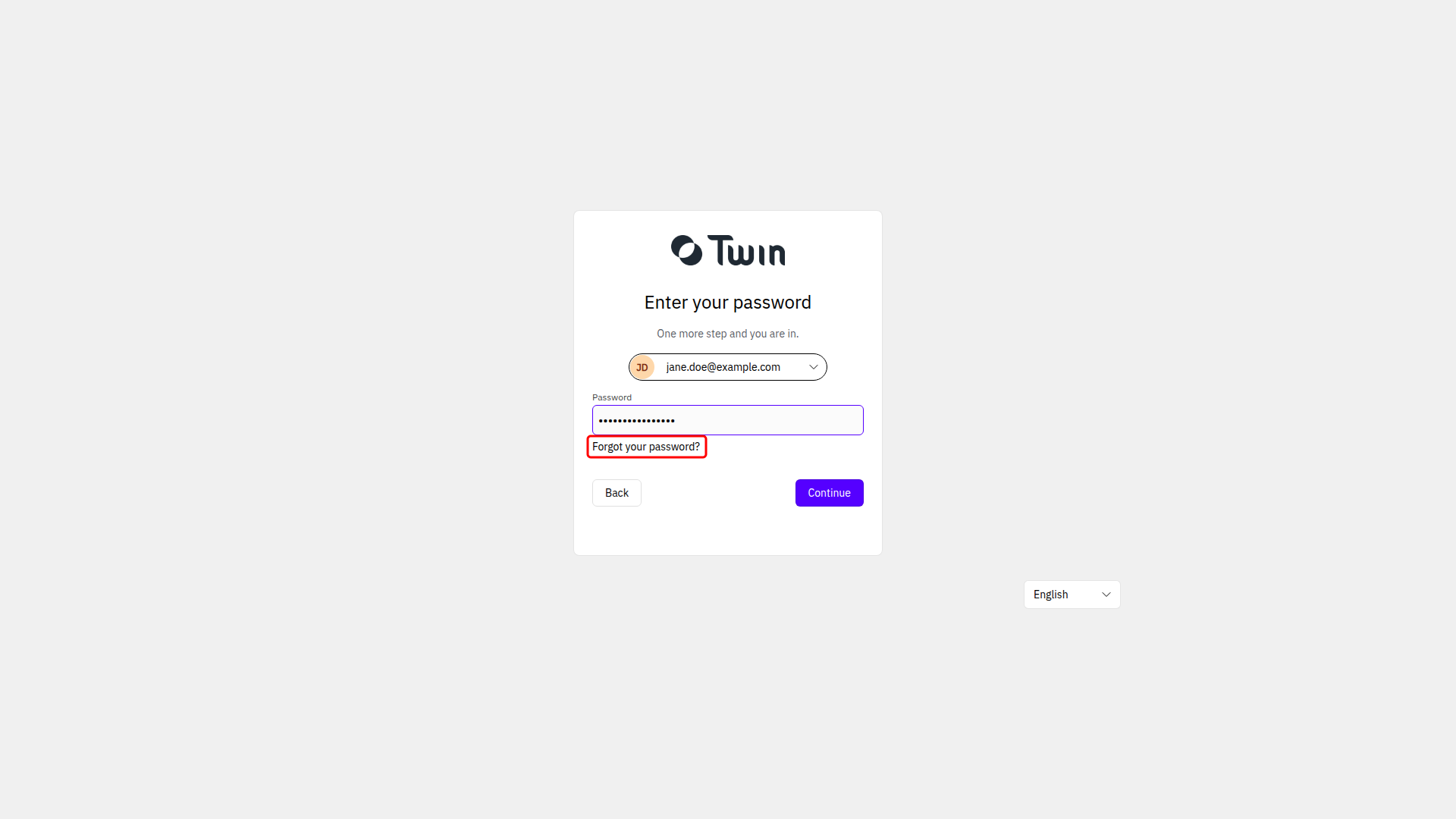
- Click Forgot your password?. Twin sends a code to your email address straight away.
- Fill in Code, then New password and Repeat new password.
- Click Save password and sign in with the new one.
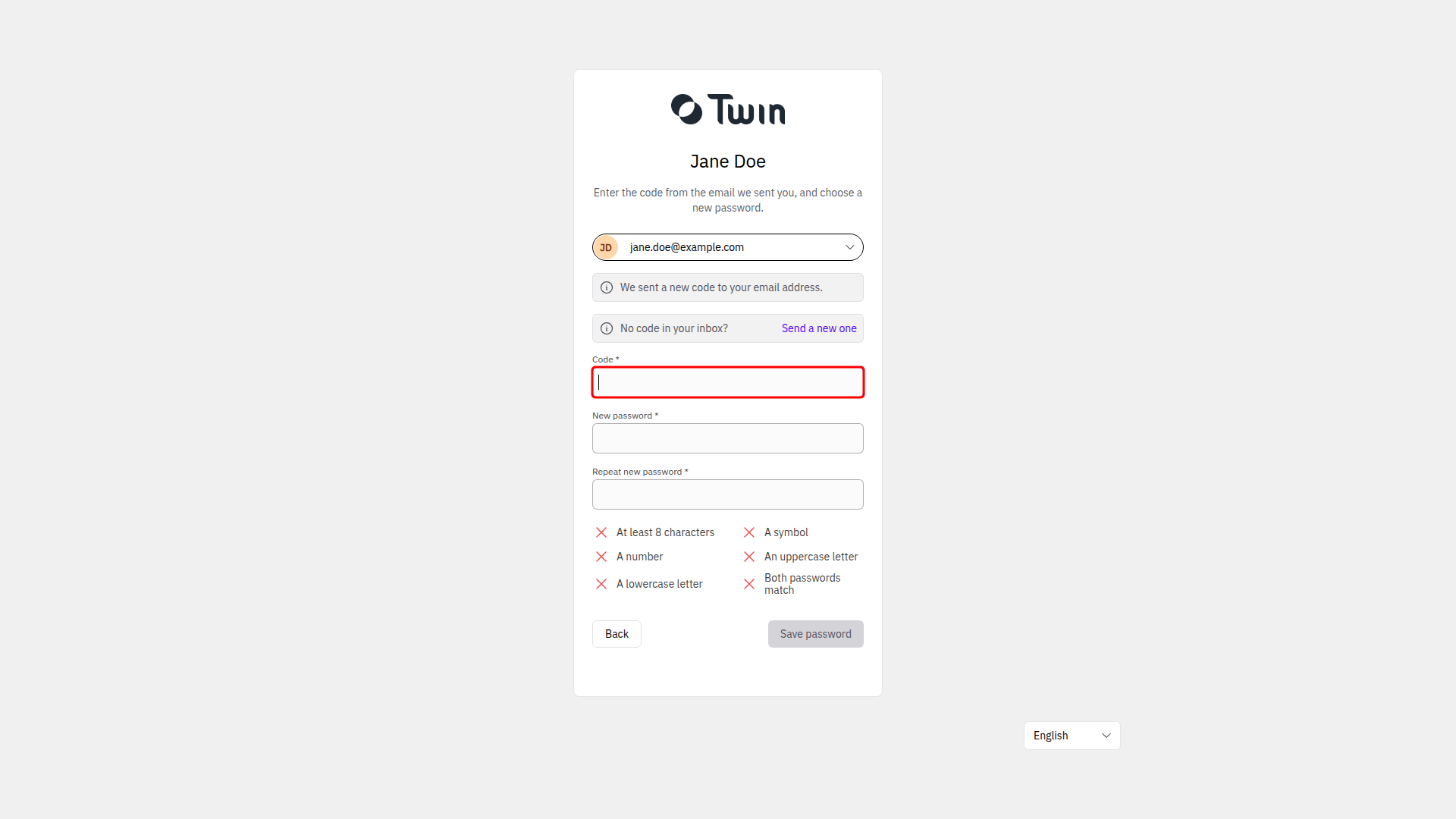
The requirements are listed under the fields: at least 8 characters, a symbol, a number, an uppercase letter and a lowercase letter. If the code does not arrive, use Send a new one.
Sign out
Click your name at the bottom of the left sidebar and select Log out.
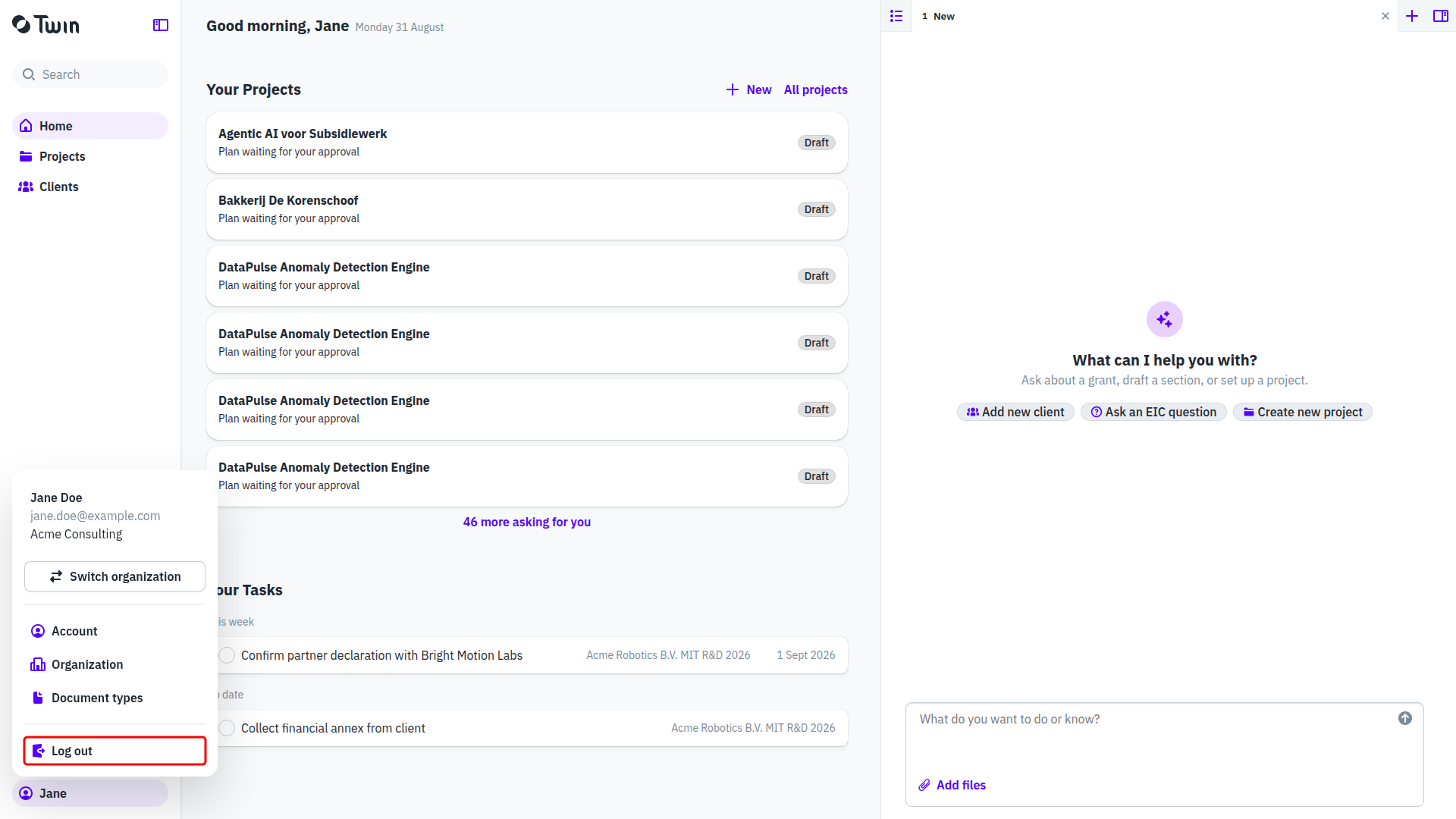
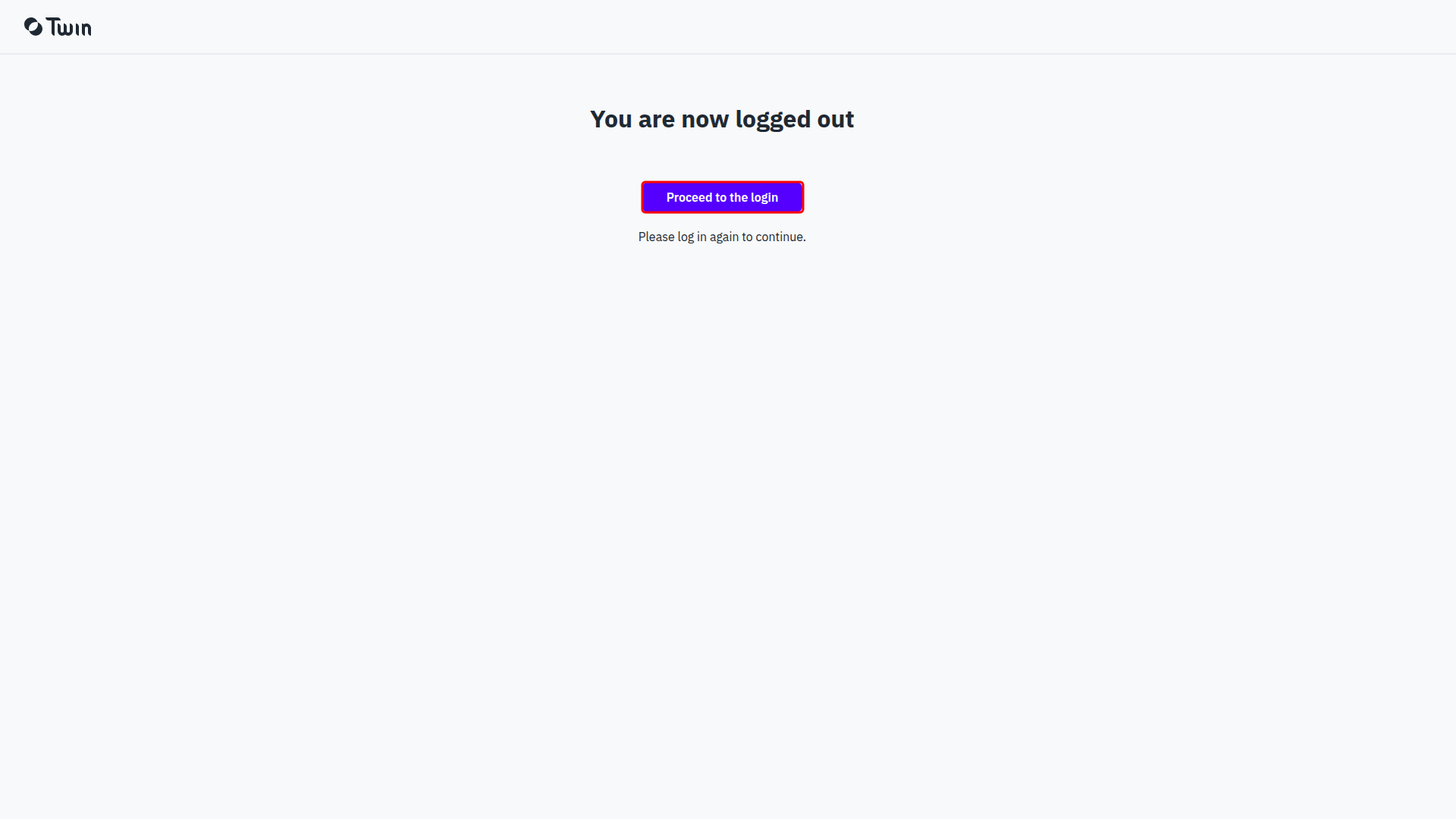
You land on a page that says You are now logged out. Proceed to the login starts the sign-in flow again.
Why version 3.0 signed you out
Twin 3.0 moved authentication to a dedicated identity provider, and that change signed everyone out once. Sign in again with the email address and password you already used. Your account, your organization and your work are unaffected, and this happens only this one time.
Where your email address and password live now
Your email address is managed by the identity provider. Twin shows it under Account on the Profile tab, but it cannot be changed there. Your password can be changed inside Twin, under Account on the Password tab. See Your account settings.