
Your account settings
Update your name and phone number, change your password, and see what Twin remembers about you.
Open your account settings
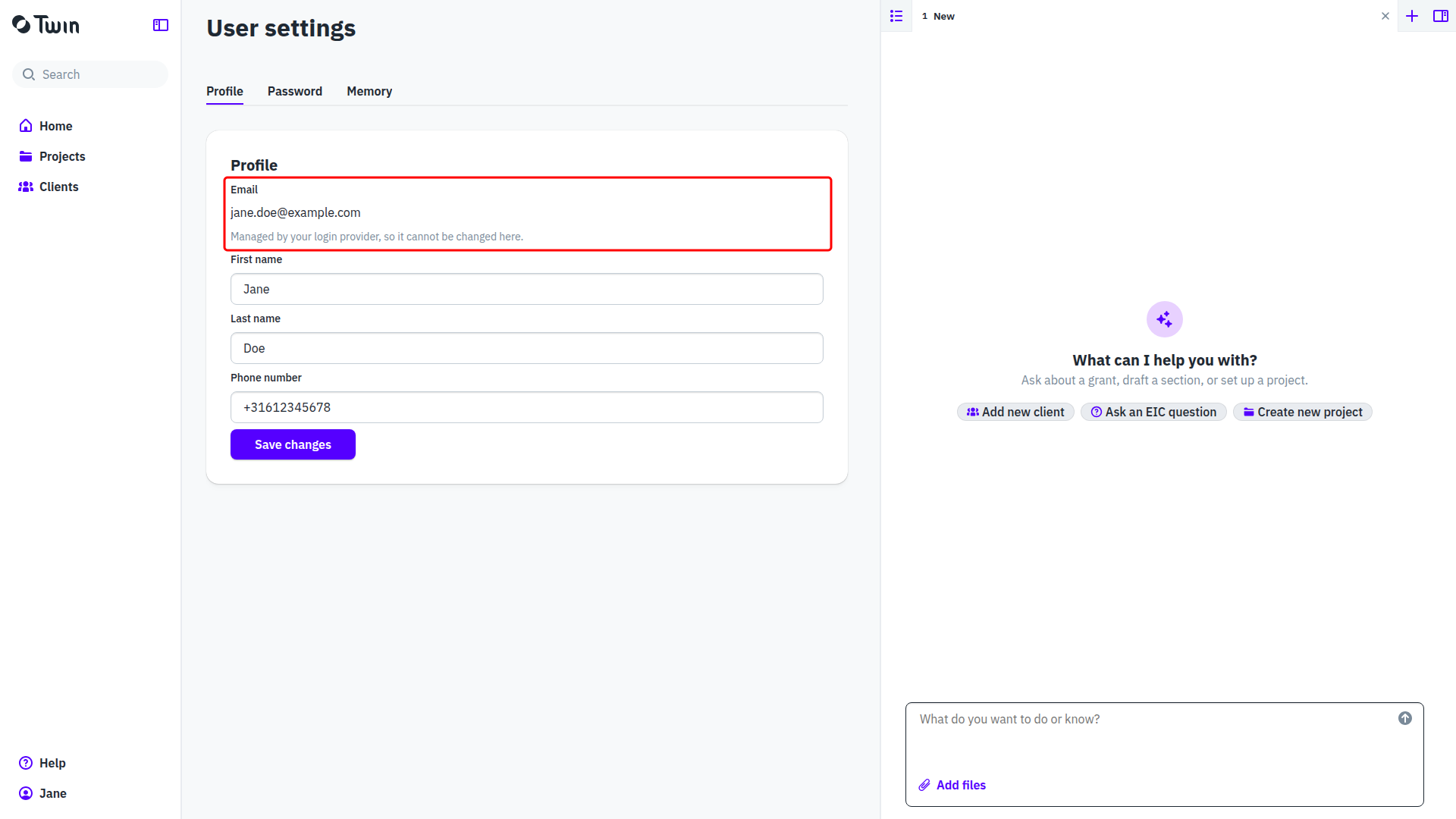
Click your name at the bottom of the left sidebar and select Account. The page is called User settings and has three tabs: Profile, Password and Memory.

Profile
Edit First name, Last name or Phone number and click Save changes.
Your Email is shown above them as plain text, with the note Managed by your login provider, so it cannot be changed here. It is the address you sign in with, and Twin cannot change it. If it is wrong, ask us through Help in the sidebar and then Contact support.
Password
Open the Password tab, fill in Old password and New password, and click Change password.
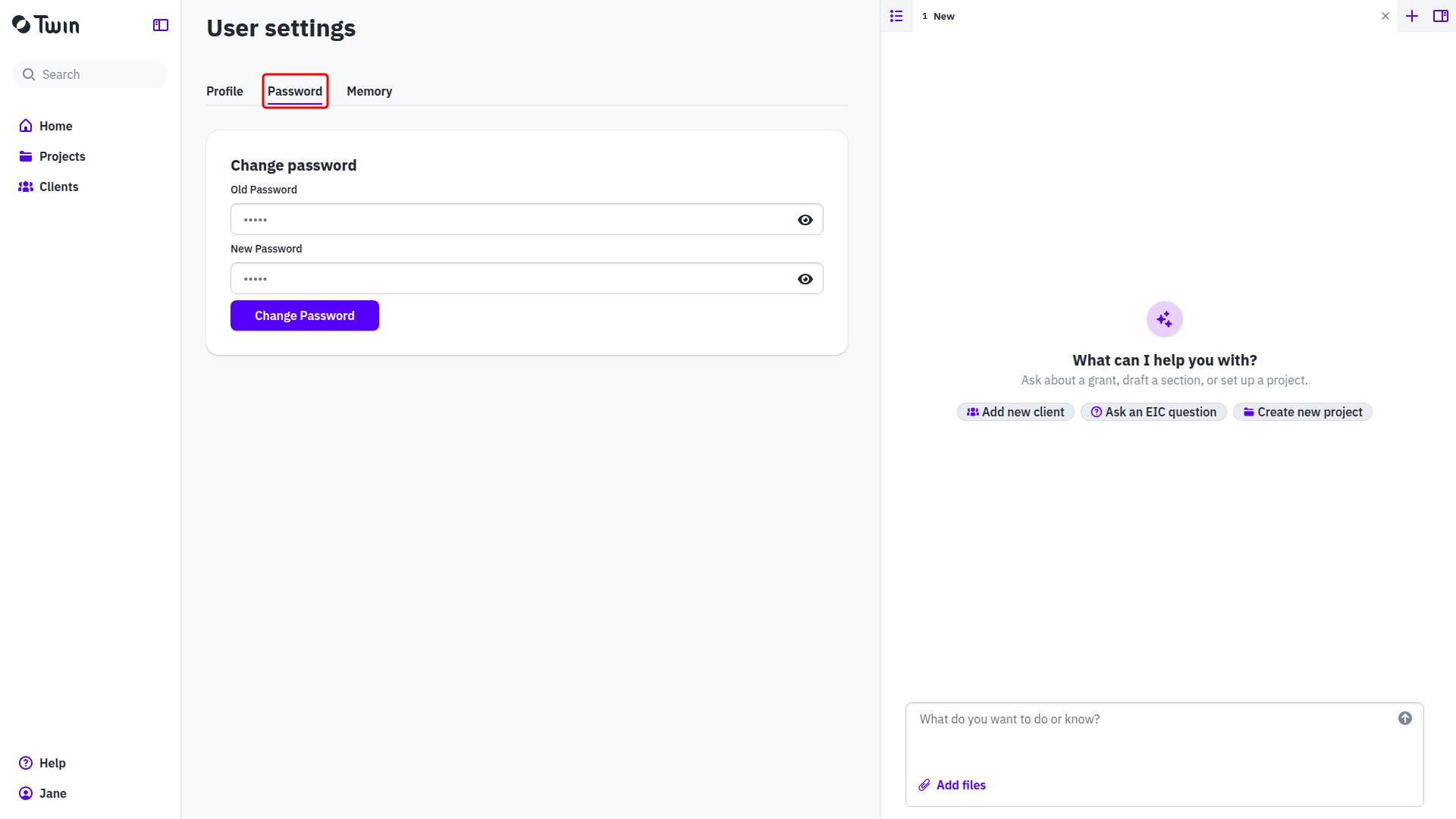
This tab asks for your current password, so it is no help when you have forgotten it. A forgotten password is reset on the sign-in page instead, with Forgot your password?. See Signing in to Twin.
Memory
The Memory tab holds what Twin has learned about you personally. You can edit it, look through its history of changes or remove it. Twin also keeps memory for your organization, your clients and your document types. See Memory: what Twin remembers.
Good to know: settings that apply to everyone in your firm, such as the organization name, members and roles, live under Organization in the same menu. See Organization settings.