
Setting up your account from an invite
What to do when a colleague invites you to their organization in Twin, from the invitation email to your first sign-in.
1. Open the invitation email
You receive an email from Twin with the subject You're invited to join followed by the name of the organization. It says who invited you and carries an Accept Invitation button, with the same link in plain text below it in case the button does not work.
2. Check the invitation
The link opens a page in Twin headed You have been invited, showing the Organization you are joining, the Email address the invitation was sent to and your Role. Click Continue to login.
If the page says Invitation is no longer valid, the link has expired or has already been used. Ask the person who invited you to send a new one.
3. Choose a password
You land on the Twin sign-in page, which is where your account gets its password. There is no password on your account yet, so Twin emails you a code: enter the code, pick a password, and you are signed in. You can use Google or Microsoft instead, with the account that carries the same email address.
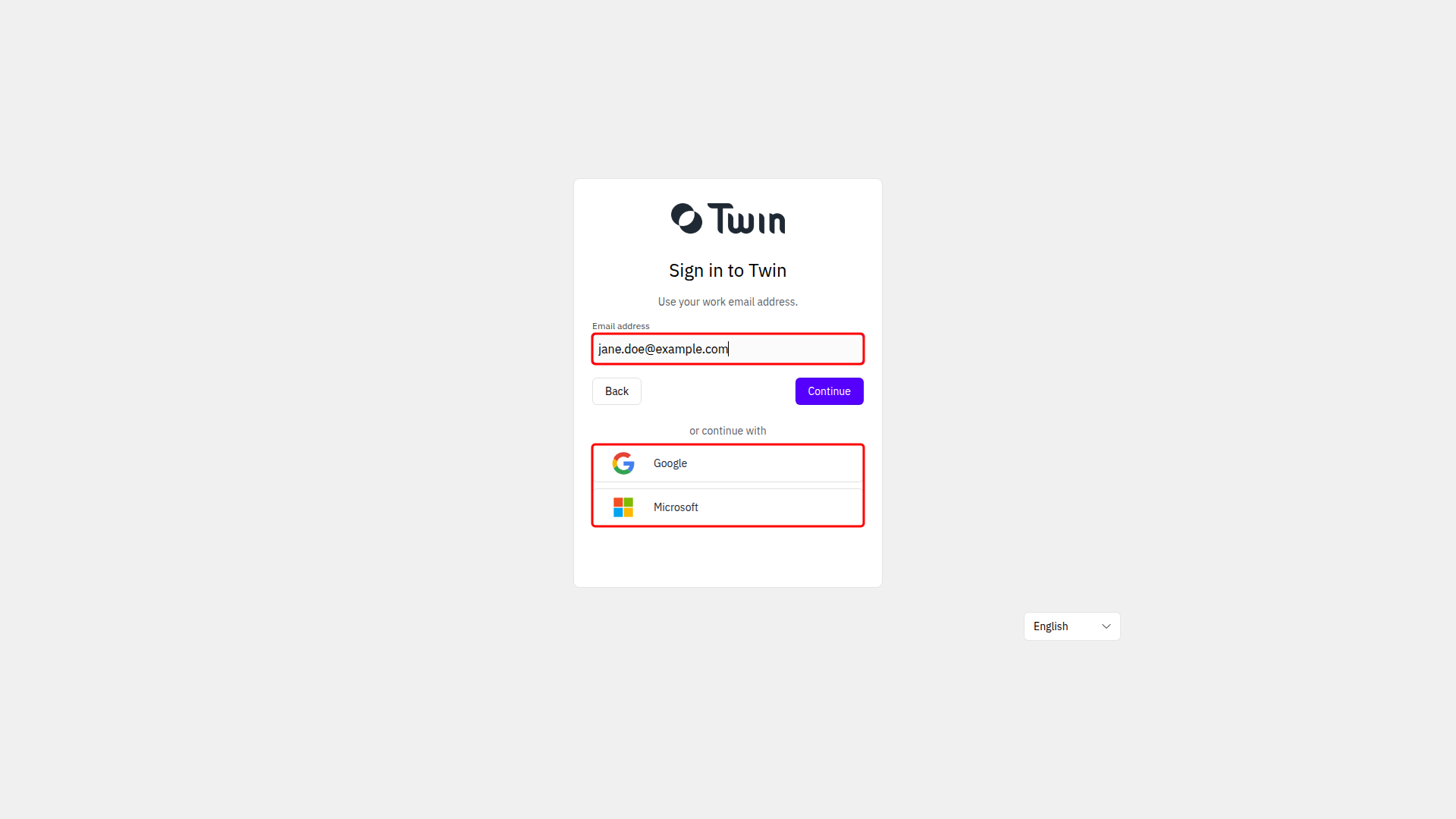
Your email address comes from the invitation and is managed by the identity provider, so it cannot be changed inside Twin.
4. Complete your profile
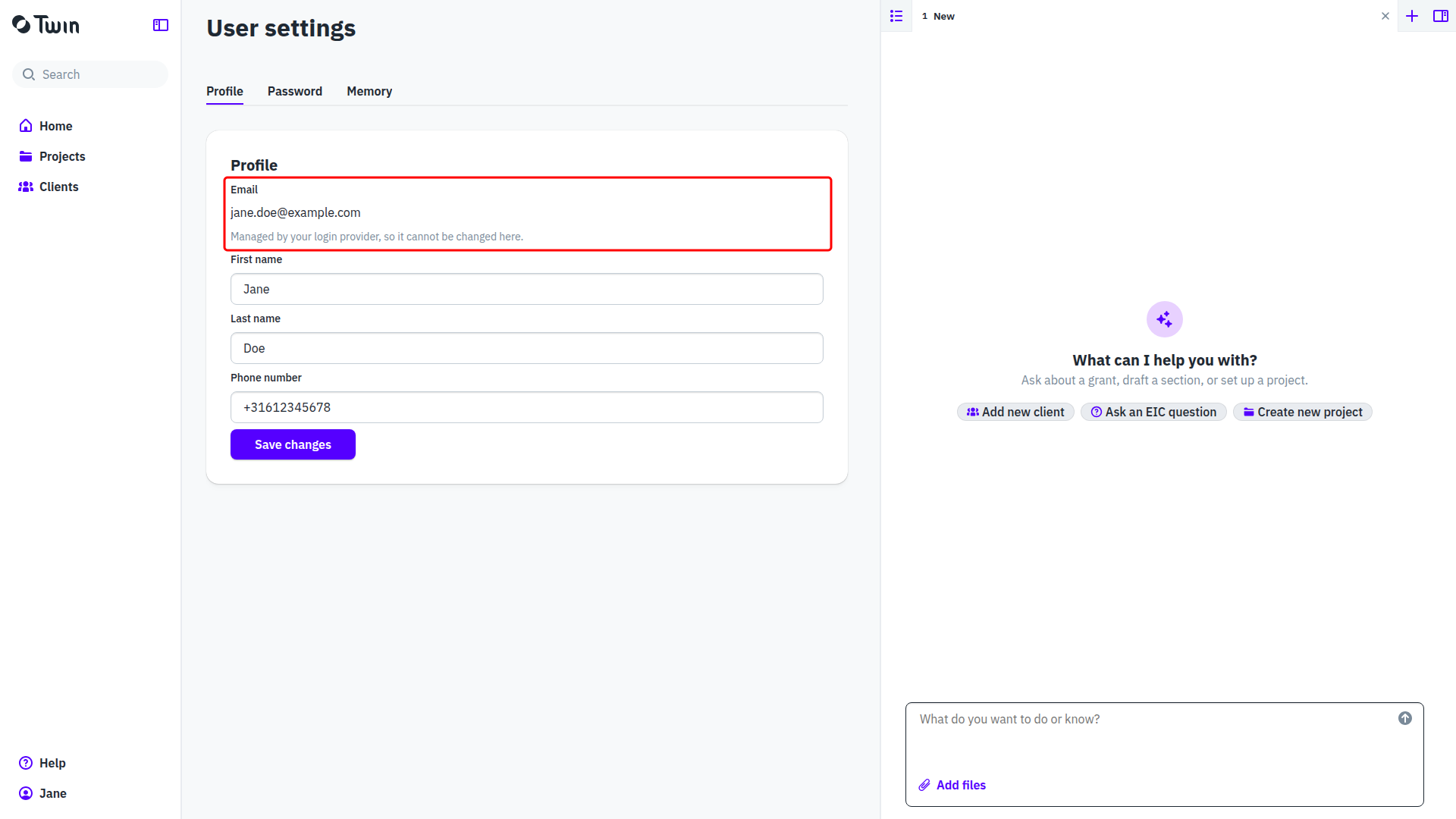
Click your name at the bottom of the left sidebar, select Account, and fill in First name, Last name and Phone number on the Profile tab. Click Save changes.
What your role allows
The role on the invitation decides what you can do in the organization:
- Organization Owner: can manage organization settings and users, and has full access to projects.
- Project Editor: can create, edit, and view projects.
- Project User: can view projects.
You can hold more than one of them. To get a different role, ask an Organization Owner to change it under Organization and then Members. See Roles and working together.
If you already have a Twin account
You still get the invitation email, and the link still has to be opened: it is what adds the organization to the account you have. Click Accept invite if you are already signed in as the invited address, or Log in to join if you are not. If you are signed in as someone else, the page says so and offers to log you out first. Your password stays as it is, and you move between organizations with Switch organization in the user menu.
Related: Signing in to Twin and Your account settings.