
Exporting your document
When the document is ready, download it as the file you submit to the funder.
Download your document
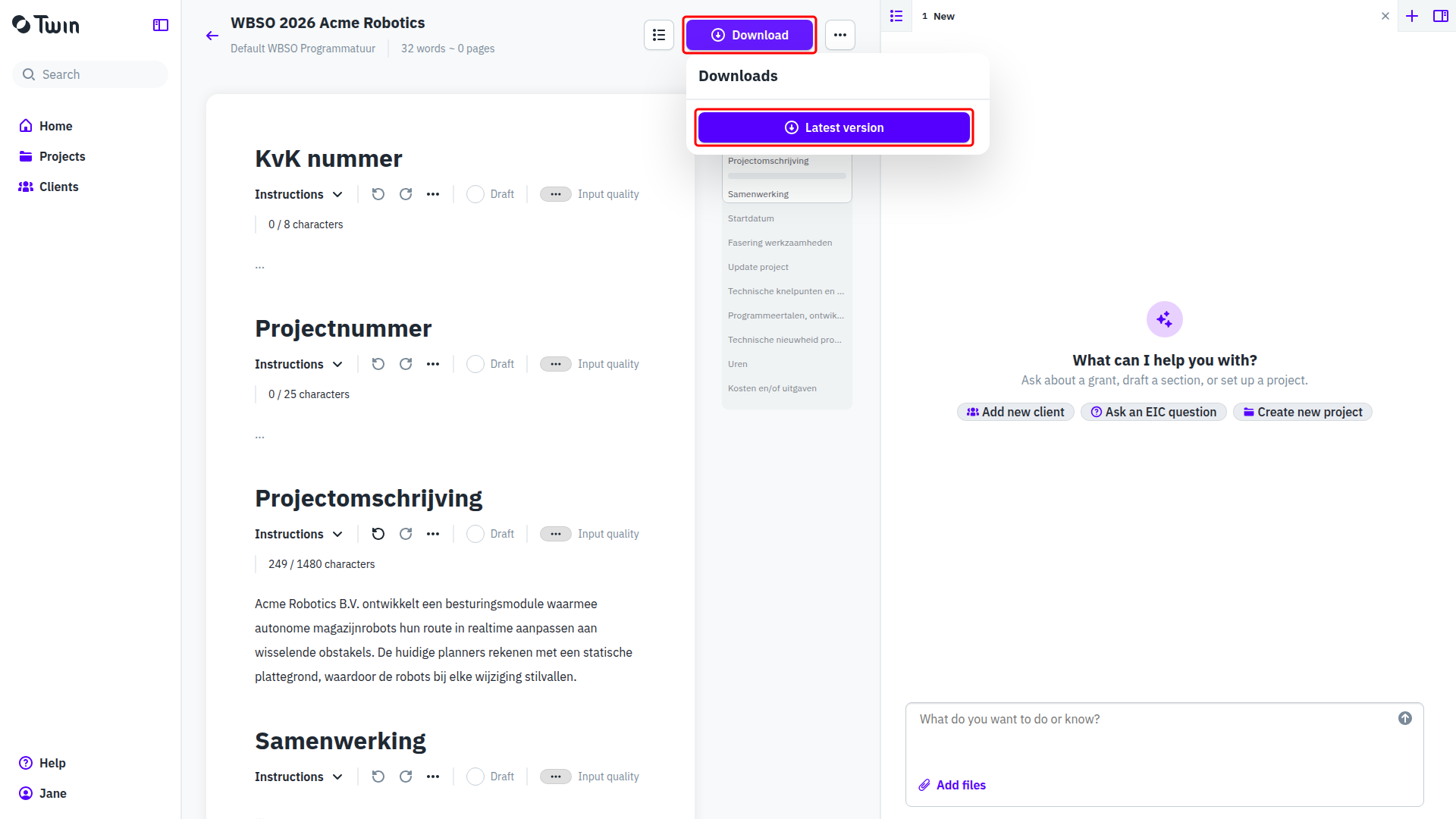
- Click Download in the document header. The Downloads panel opens.
- Click Latest version. Twin builds the file from the current content of every section.
- The file appears in the panel when it is ready. Click its name to save it.
Good to know
- The document type decides the format. There is no format picker: the panel lists whatever that type produces.
- Earlier downloads stay in the panel, so you can go back to a file you sent before.
- An export always follows the latest published version of the document type. If the template was updated after you started the document, your next download picks up the new layout while your text stays exactly as you wrote it.
See also Starting a document and Reviewing and editing AI-generated content.