
WBSO with several projects: one document per RVO form
A client rarely hands you one project. RVO wants one project form per S&O project. Twin sorts the portfolio with you: developments that serve one technical goal become one project, work that is not S&O is named as such, and every S&O project gets its own document inside a single Twin project for the client.
How it fits together
- One project in Twin for the client and the application year.
- One document per RVO project form: each document has its own type, its own start date, hours and export.
- One project plan that all documents share, so the assistant keeps the projects apart while writing.
Sort the portfolio with the assistant
- Go to Projects and click New project. On the Grant step pick the client. You do not have to choose a document type yet: click Skip. The assistant picks the type per project after the split.
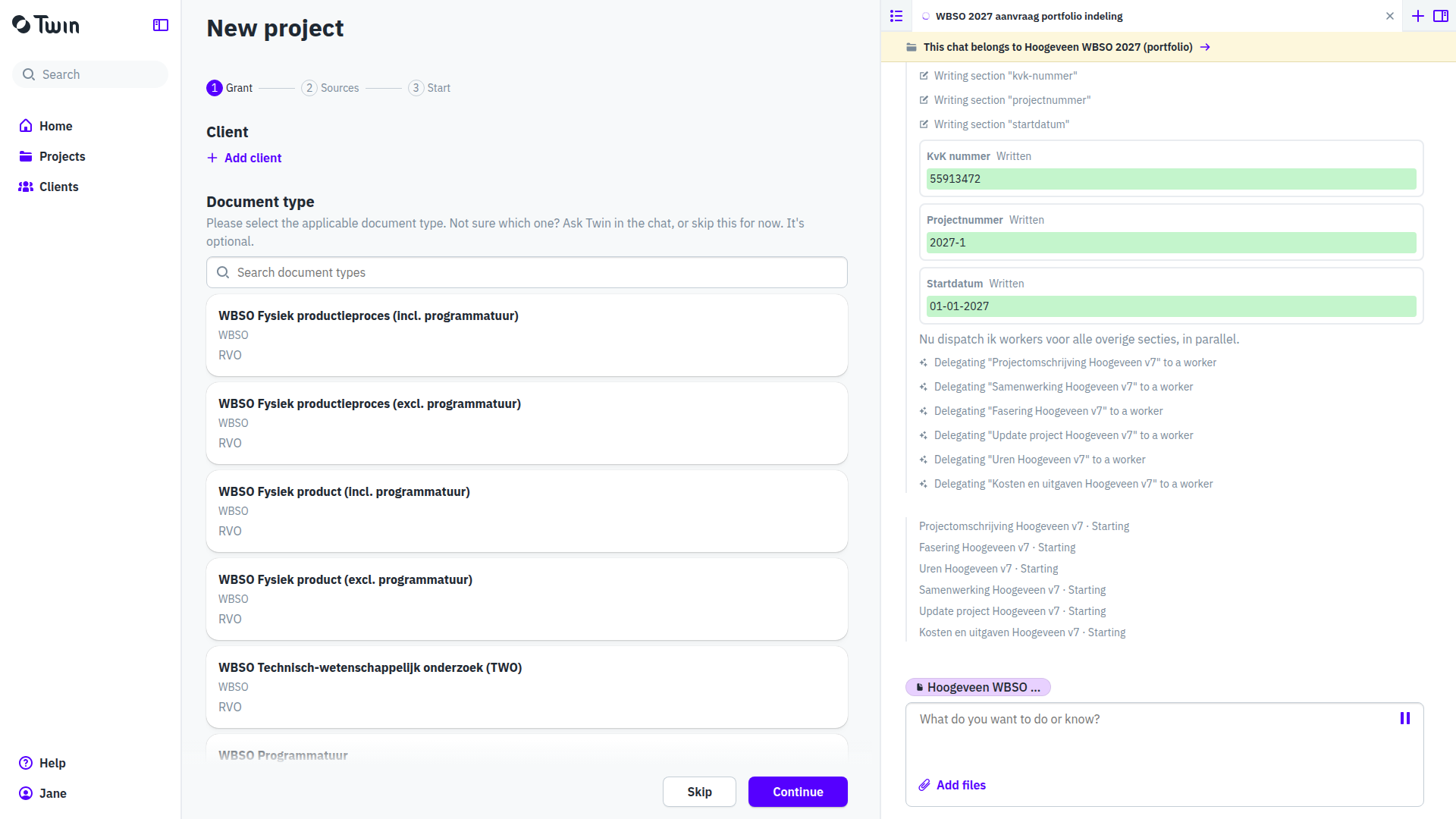
- On the Sources step drop the client's development plans, then Continue. On the Start step choose Open the project.
- Rename the project by clicking its title, and check that the source is processed.

- Start a New chat in the assistant panel and ask for the split. Name the source in your question, so the assistant reads it straight away:
Wij willen WBSO aanvragen voor 2027. De lijst staat in de bron Ontwikkelplannen-2027.pdf bij dit project. Deel dit portfolio in: welke ontwikkelingen zijn zelfstandige S&O-projecten, welke horen bij elkaar, welke zijn geen S&O, en welk RVO-projectformulier hoort bij elk project? - The assistant answers with the split: per development whether it is a stand-alone S&O project, part of another project, or not S&O at all, with the reason, the RVO form the project needs, new or follow-up, the hours and the cost option. It ends with a question, and waits.
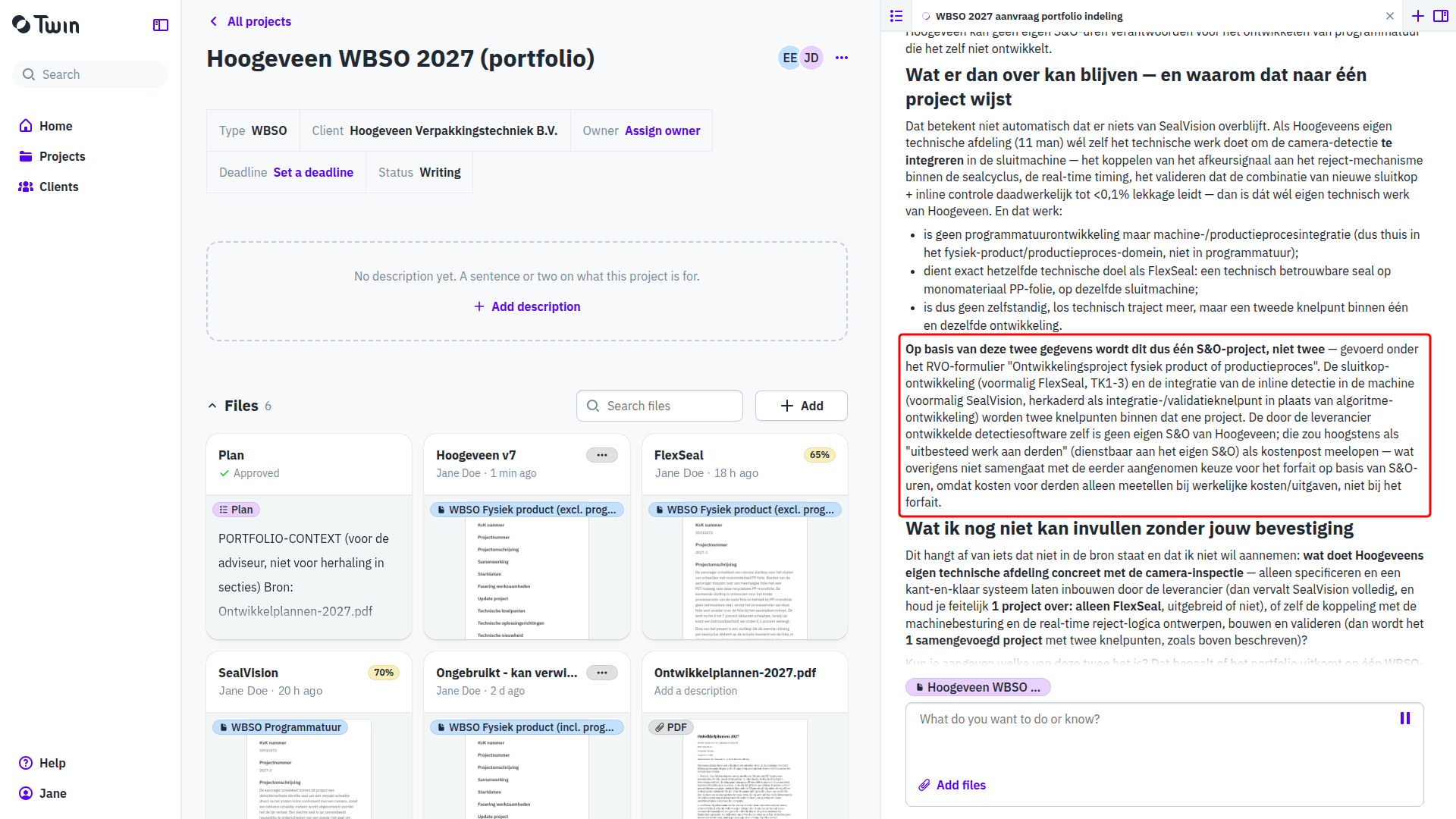
The developments that are not S&O are named as such, each with the reason RVO would give.

- If the list holds software work, the assistant asks one more question before it proposes a separate software project: does the applicant develop technically new software itself, with its own software developers? A separate WBSO Programmatuur document only follows when the answer is yes and the application carries hours for that work. Otherwise the software stays part of the physical project.
- If you disagree with the split, say so in the chat and the assistant revises it. When it is right, confirm:
Akkoord met deze indeling. Maak voor dit S&O-project een document aan en schrijf het volledig uit.
One technical goal is one project
Two developments that serve the same technical goal are one S&O project, even when one is mechanical and the other is software, and even when the client presents them as two projects with their own names. They then go on one RVO project form, with one set of numbered technical bottlenecks that covers both tracks.
A development becomes a project of its own as soon as it has an end result of its own, with its own technical bottlenecks and its own planning. A separate WBSO Programmatuur document follows only when the applicant develops technically new software itself, with its own software developers, and the application carries hours for that work; otherwise the software stays part of the physical project.
Let Twin write the document
- On your confirmation the assistant creates a document per S&O project with the matching type, and writes the project plan with the numbered bottlenecks per project. It then asks you to approve the plan.
- Open Plan on the project page, click Approve on the plan page, then confirm in the chat. The plan carries the split, so every section writer knows which project it is writing for.
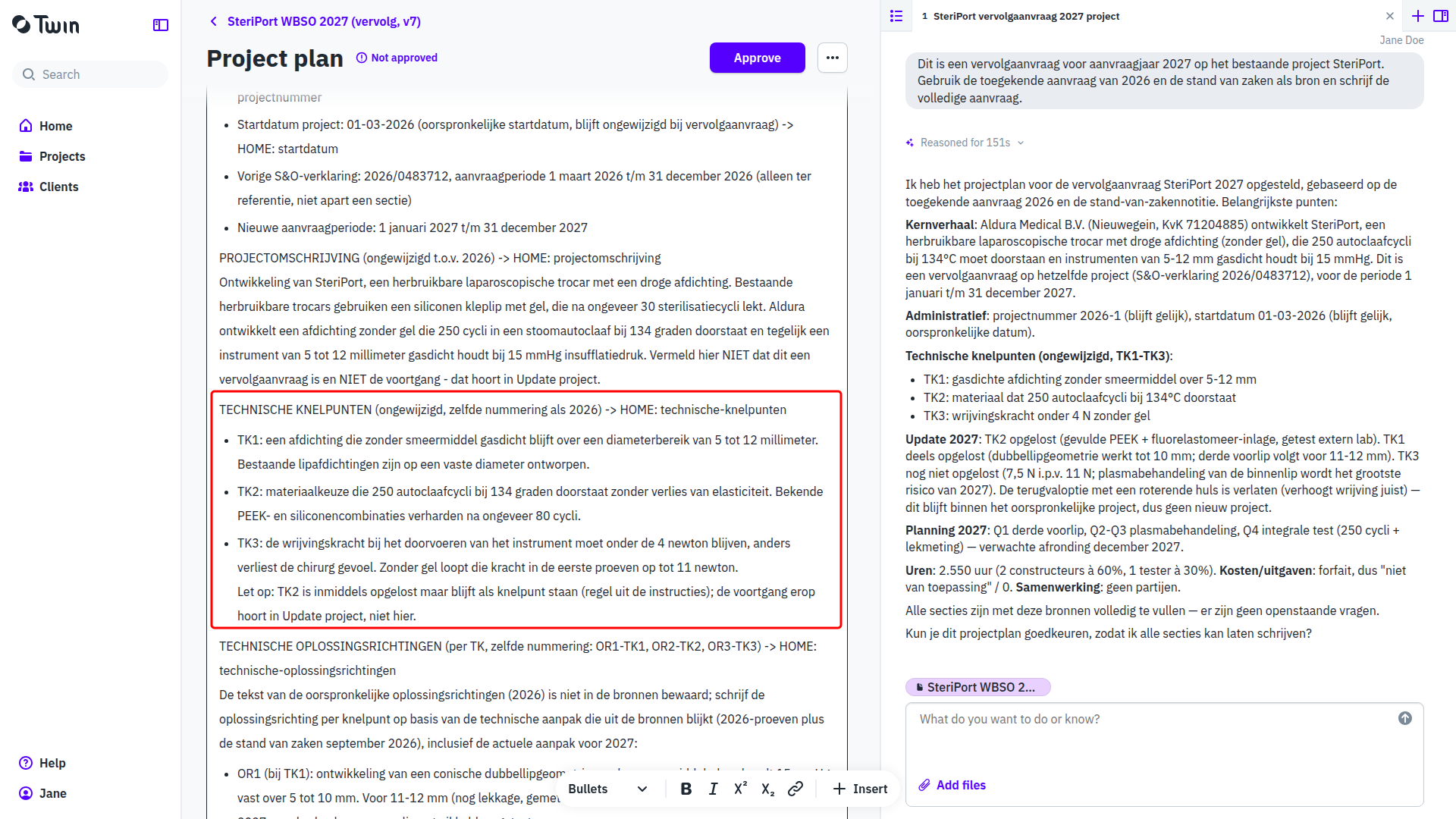
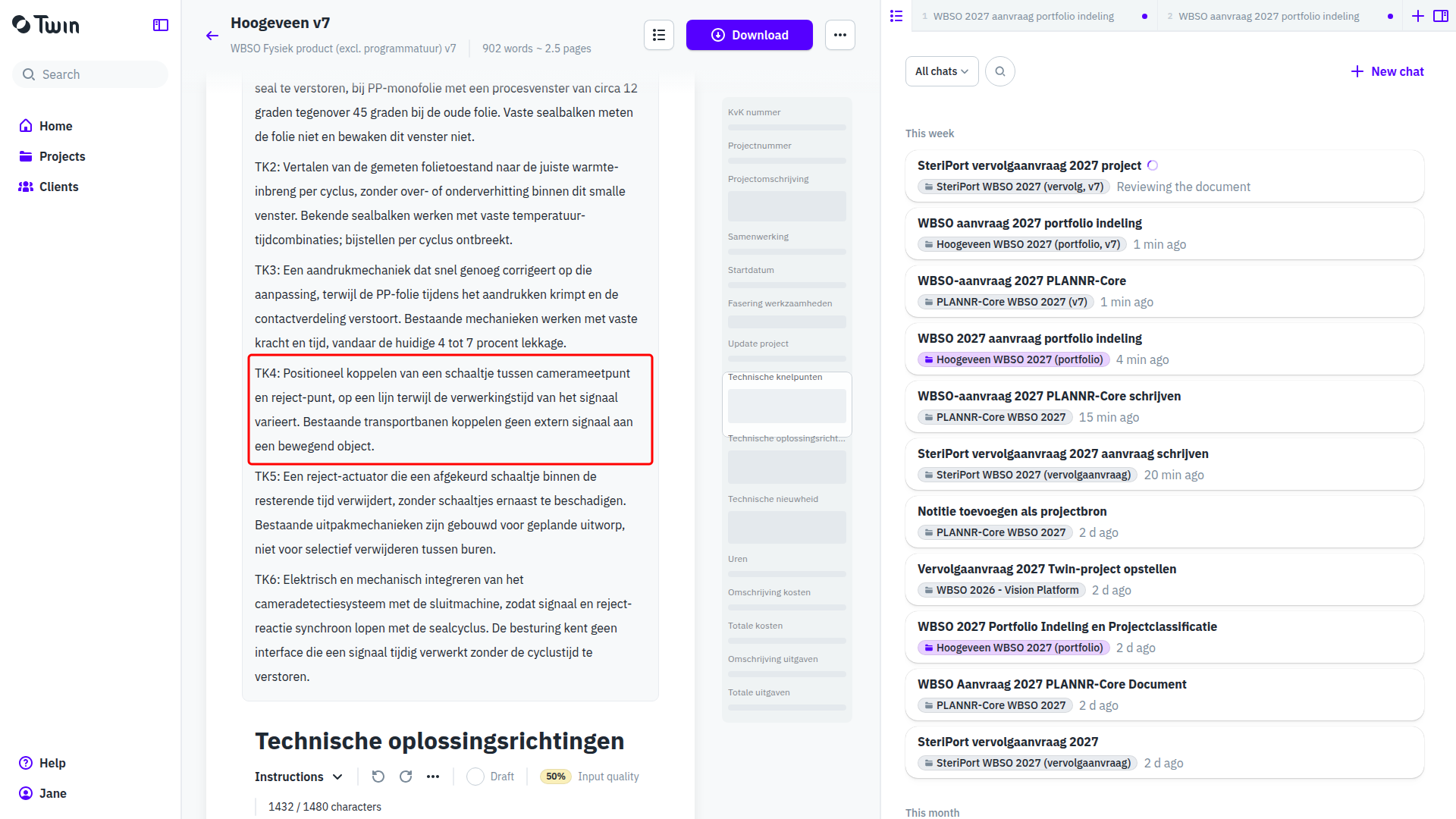
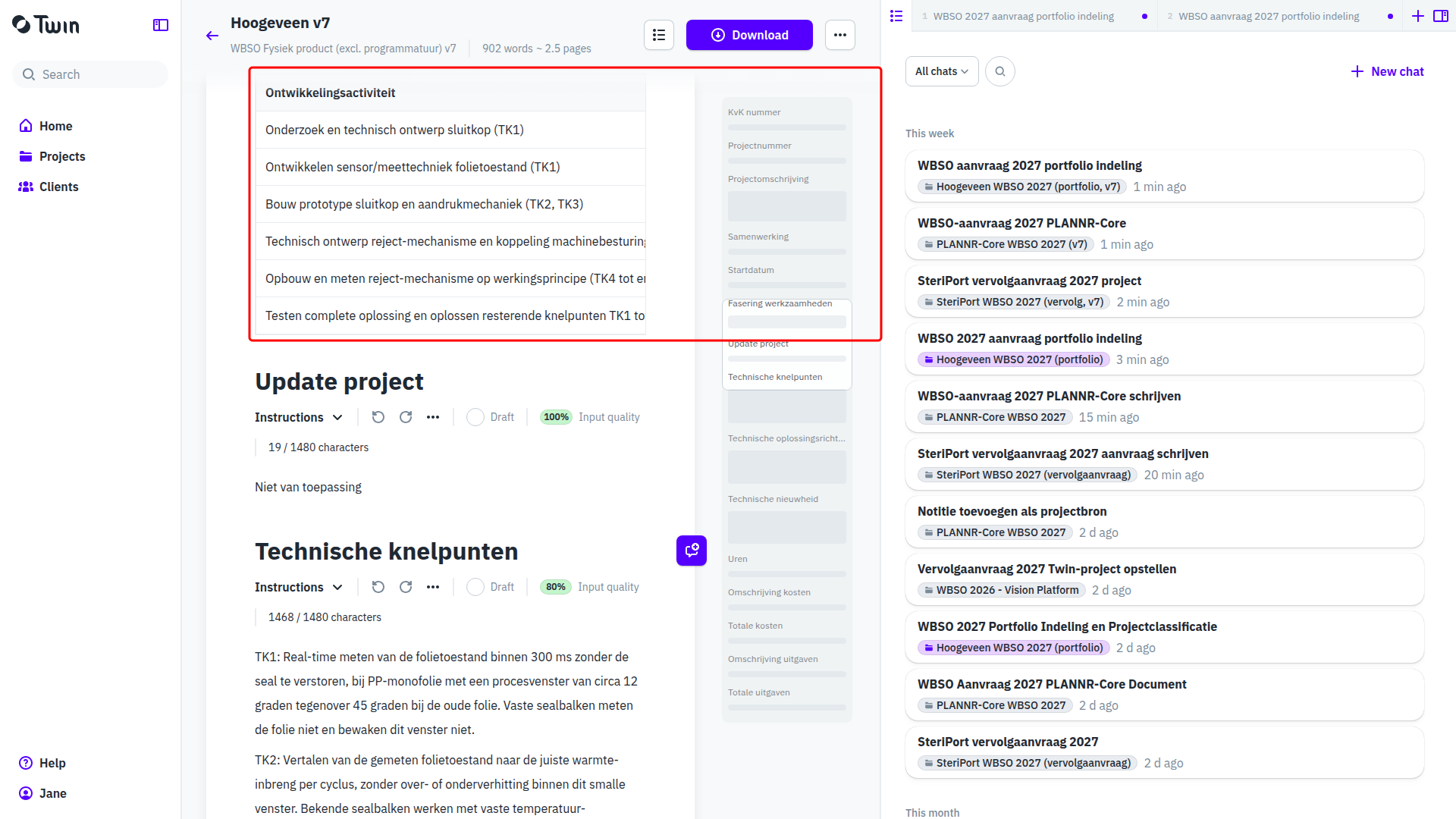
- The document is written section by section. Technische knelpunten holds one numbered list for the whole project, covering every track inside it; another project of the same client is not mentioned.
Download one RVO form per project
Open each document, click Download and choose Latest version. Every document gives its own filled RVO project form as PDF plus a Word file.

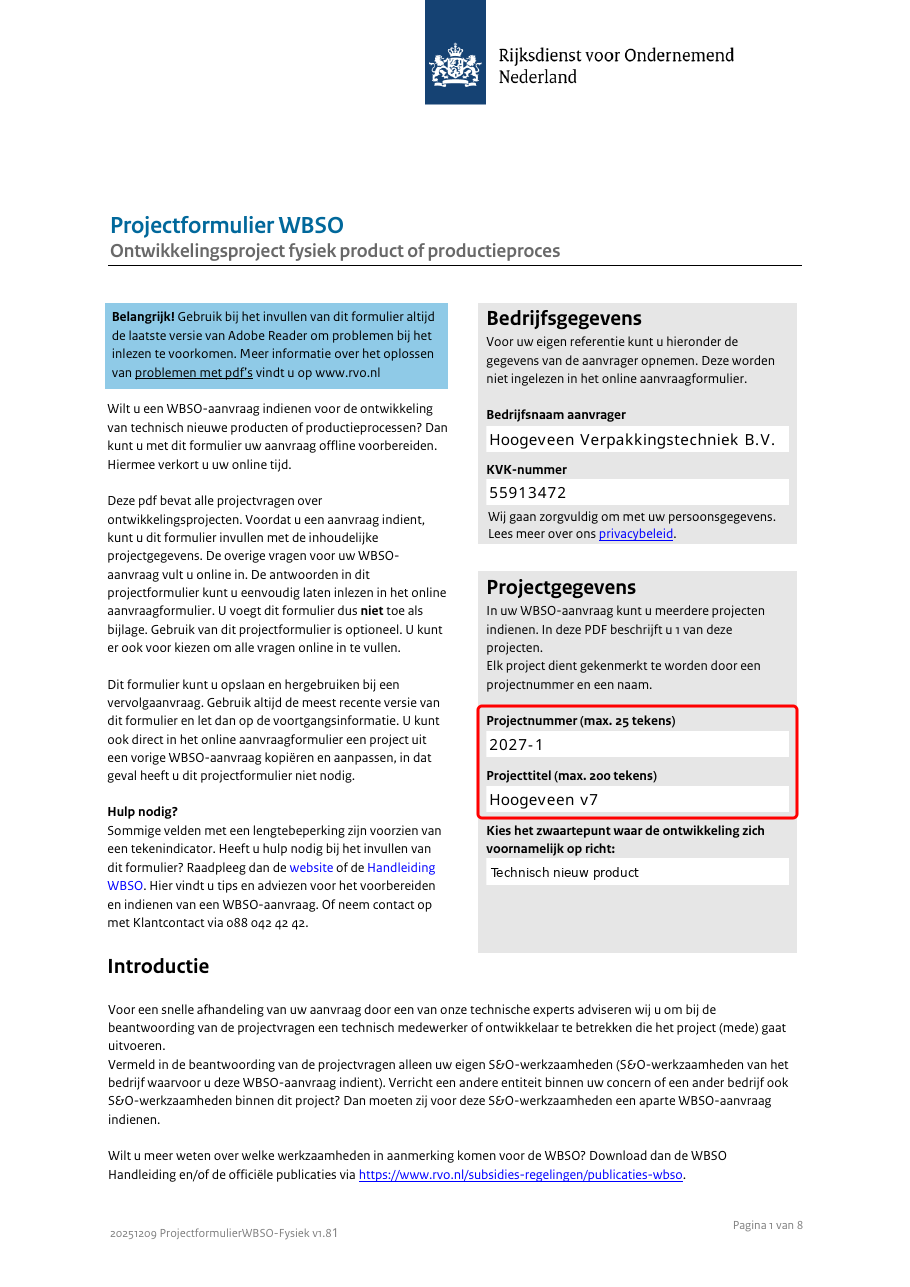
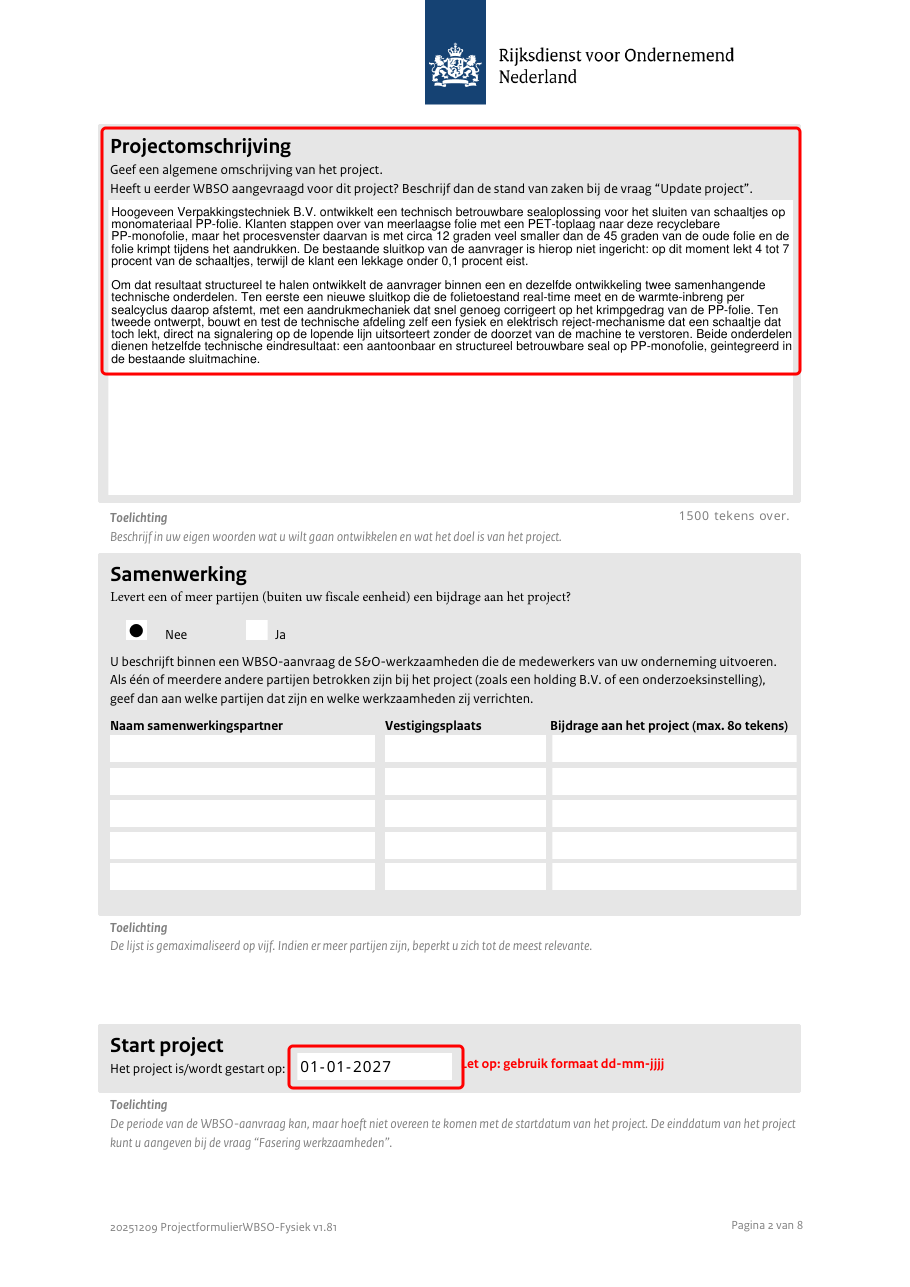
Each form carries its own project number and title, its own project description and start date, and its own milestone table.
What the assistant reports
- The split. Per development the assistant says why it is a project of its own, why it belongs with another one, or why it is not S&O. The technical goal is what decides it, not the client's project names.
- Its questions. Own software developers, a missing interim planning, a tool set that is not in the plan: the assistant asks rather than fills in. When it does fill in something plausible because the source is silent, it says so in the chat.
- Hours per project. The hours in each document are the hours for that project. The total for the application is entered in the RVO portal.
Good to know
- The project page lists every document with its own type badge, so you see the whole application at a glance.
- The non-S&O work does not disappear: it stays in the plan as context for the assistant, so it does not creep back into a document or a milestone table.
- You can also create the documents yourself with Add and New document, and instruct each one separately. The assistant then still writes from the shared plan.
See also Writing WBSO applications in Twin, WBSO follow-up application: continuing last year's project and Projects: where an application comes together.