
What changed in Twin 3.0 and where things moved
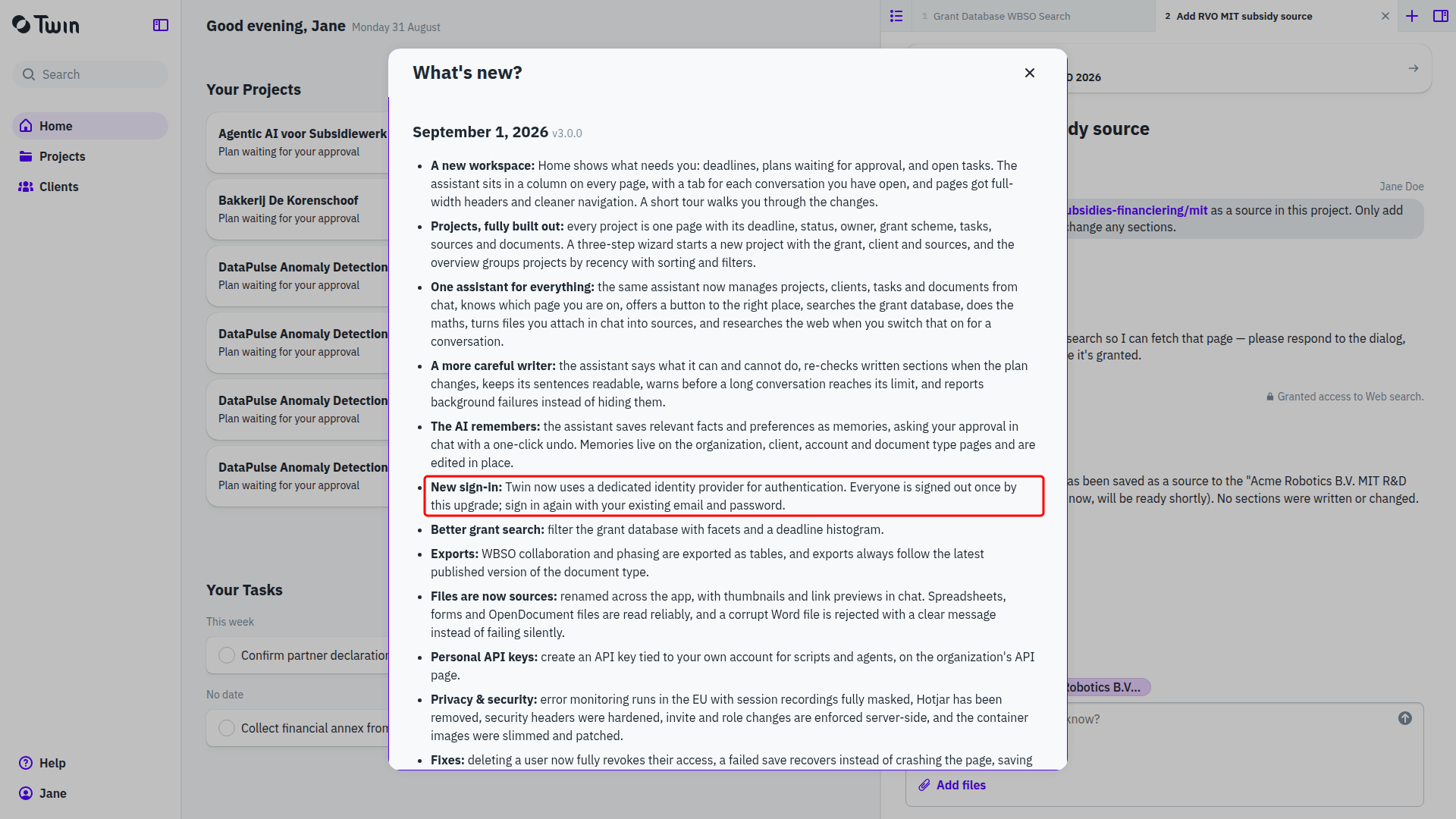
Twin 3.0 (1 September 2026) is a redesign rather than a new coat of paint, so a screen you knew in 2.x has often moved rather than disappeared. This article says where. One thing to expect first: the upgrade signs everyone out once, and the sign-in page now lives at a different address and looks different. Sign in again with the email address and password you already had. See Signing in to Twin.
The full release notes are in the app under Help → What's new?.
Where things moved
| Before (2.x) | Now (3.0) | Read more |
|---|---|---|
| Files | They are called sources, and they belong to the project rather than to one document, so every document in the project can use them. | Sources: what Twin writes from |
| The Documents page you landed on after signing in | There is no documents page. A document lives inside a project, and you land on Home, which lists what is waiting on you. | Projects, Finding your way around Twin |
| The four side tabs in the editor: AI Agent, Table of Contents, Sources, Settings | All four are gone. The chat is the assistant column on the right of every page, sources are on the project, the table of contents is a button in the document header, and Document settings now holds one setting: the writing language. | Starting a document |
| Fast mode, Pro mode and the Interactive toggle | Removed. There is one way of writing: the assistant drafts a project plan, stops until you approve it, and then writes the sections. | Working with the assistant, Projects |
| Source importance levels: Essential, High, Medium, Low | Removed, with nothing in their place. Steer Twin with the source's Description instead: say what it is and how Twin should use it. | Sources: what Twin writes from |
| Archiving a document | Documents can only be deleted, from Document actions. Archiving applies to the project now, and an archived project comes back with the Only archived filter. | Projects |
| The roles Workflow Editor, Workflow User, Document Editor and Document User | Two roles, next to Organization Owner: Project Editor and Project User. Workflows do not exist in Twin any more. | Roles and working together |
| The web search toggle in the chat | There is no toggle. When the assistant wants the public web it asks in the conversation, and once you allow it, it keeps that access for the rest of that conversation. | Working with the assistant |
| The Twin login page | Signing in runs on a dedicated identity provider, in two steps, with Google and Microsoft as alternatives. Your email address is managed there and can no longer be changed inside Twin. | Signing in to Twin |
| Connected accounts under Organization | The tab is called Connections. Vincere and X have gone, SalesForce has been added, and Google and Exact Online are still there. | Managing connections |
| "Twin Docs" and "Twin AI" | The product is called Twin. |
New in 3.0
- Projects. One page per application, holding the grant, client, deadline, status, plan, tasks, sources and documents, created by a three-step wizard. See Projects: where an application comes together.
- Home. A queue of the projects waiting on you, with the reason for each, plus your open tasks. See Finding your way around Twin.
- The assistant on every page. One assistant that manages projects, clients, tasks and documents, knows which page you are on, and keeps a tab per conversation. See Working with the assistant.
- Memory. Twin keeps what it learns about your organization, your clients, your document types and you, and asks before it does. See Memory: what Twin remembers.
- Personal API keys. An API key tied to your own account, next to the organization keys. See Using the Twin API.
- A public grant database. Browse the schemes Twin follows on the website, with filters and deadlines. See Which grant schemes Twin supports.